Unmatched Reports
The unmatched reports tab is used in combination with the EXE mapping tab to display a breakdown of unmatched .EXE file data.
Please note, this tab is only available after data is imported in the assets workspace. It is displayed when you import .EXE data.
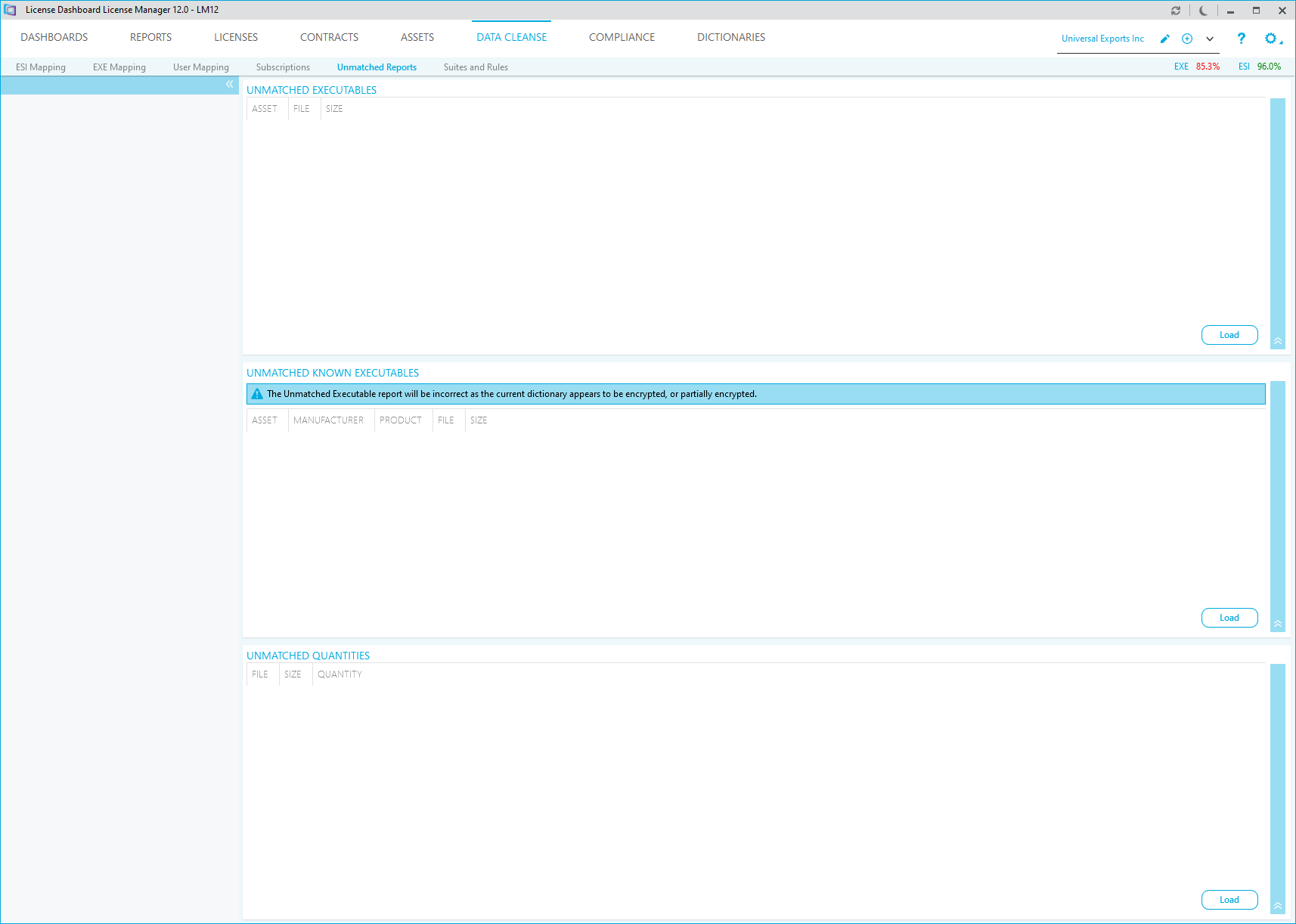
- The Unmatched Executable report displays all unmatched .EXE files on computers mapped to the selected business unit. Click Load to display the report.
- The Unmatched Known Executables report displays unmatched .EXE files that have the same name as a primary .EXE file of a product in the dictionary. The report displays results for computers mapped to the selected business unit. Click Load to display the report. This report will not run if you are using an encrypted Dictionary.
- The Unmatched Quantities report displays the quantity of each unmatched .EXE files on computers mapped to the selected Business Unit. Click Load to display the report.
Double click on any result in a report to view it in the EXE mapping tab. Please refer to the EXE Mapping tab for details of how to match an unmatched .EXE file to a product in the dictionary.